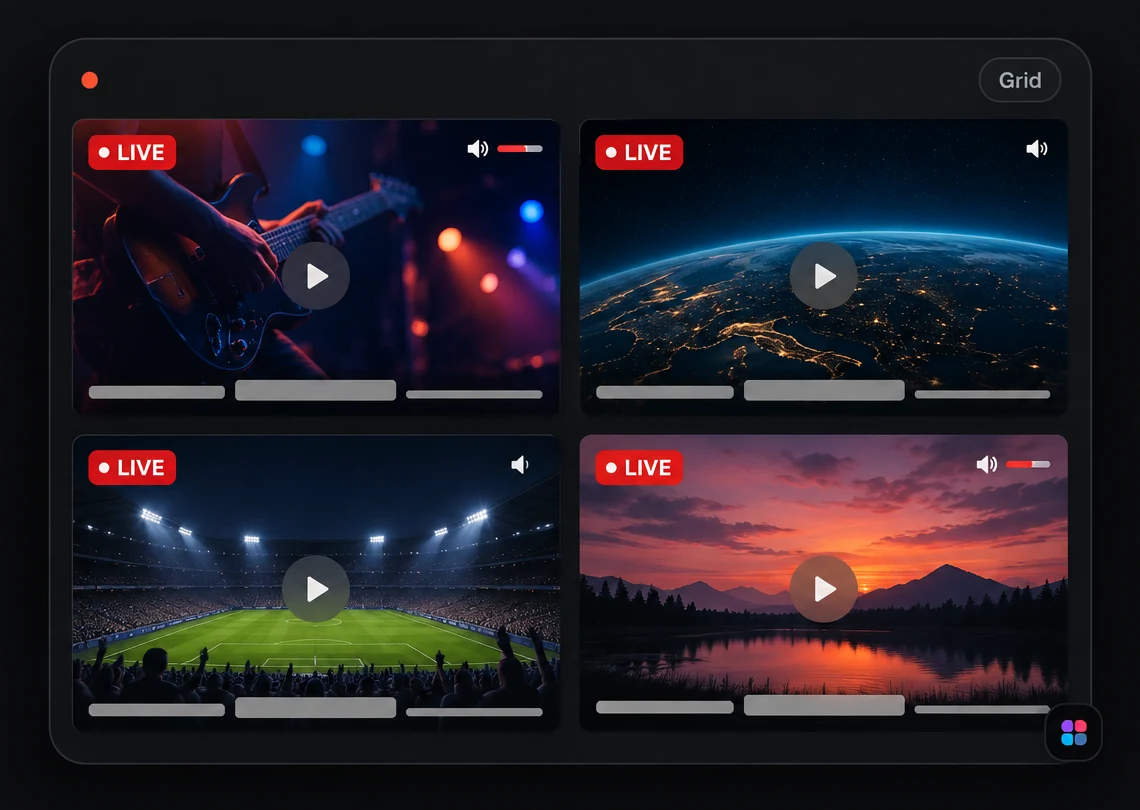
Practical guides to watching multiple YouTube and Twitch streams, setting up a multi-stream view on desktop and mobile, building better study setups, following live news, and fixing embed problems.
Each guide starts from a real question: how to follow several broadcasts without juggling tabs, what to expect from audio, bandwidth and devices, or why a YouTube or Twitch stream will not play. They explain the problem first and the tool second, and they say plainly where StreamTiles has limits.
Add a YouTube link and a Twitch channel to one grid, arrange the tiles, and keep the audio under control, plus the real differences between the two players and what to check when one fails.
Why tabs fall apart once you follow more than two live streams, and a step-by-step way to put up to six YouTube broadcasts in one view with audio you can control.
Compare tutorials, check a demo against a reference, or keep a source open while you work. What multi-video viewing is good for, and the honest limits around seeking and sync.
Lecture plus demo plus background audio, without the chaos. Practical layouts for two, four and six tiles, how to keep sound manageable, and when a single video is the better choice.
Set up a multi-channel news grid, keep a single audio source, and avoid information overload, with a worked example using the six-channel Malayalam News Live template.
A plain-language reference to YouTube link formats, how embed URLs are built from a video ID, and a checklist for the most common reasons an embedded video will not play.
Add a YouTube link and a Twitch channel to one grid, arrange the tiles, and keep the audio under control, plus the real differences between the two players and what to check when one fails.
What a multi-stream viewer is, how a shared grid differs from a row of browser tabs, and the trade-offs in audio, screen space and device load that decide whether you need one.
How many streams fit on a laptop, a big monitor and a phone, how StreamTiles lays them out on each, and the audio, data and touch habits that make a small screen workable.
Why an embedded YouTube video or live stream shows an error: owner restrictions, private or removed videos, wrong IDs, ended streams and blocked players, with a safe order for checking each.
How Twitch embeds work, why they need a parent domain, a minimum size and a clear view of the player, and a short list of checks for offline channels, blockers and playback that will not start.
Choose a main stream and a quieter layer, keep speech and music from competing, set sensible volumes, and know what a music setup costs your battery. When a single stream is the better choice.
Why six streams cost far more than one, what resolution and frame rate change, a simple way to estimate data use from a bitrate, and what StreamTiles can and cannot do to lighten the load.
A source-by-source comparison of StreamTiles and Streamer.Guide Multiwatch: which platforms each accepts, how many streams, what layouts and audio controls exist, and what could not be verified.