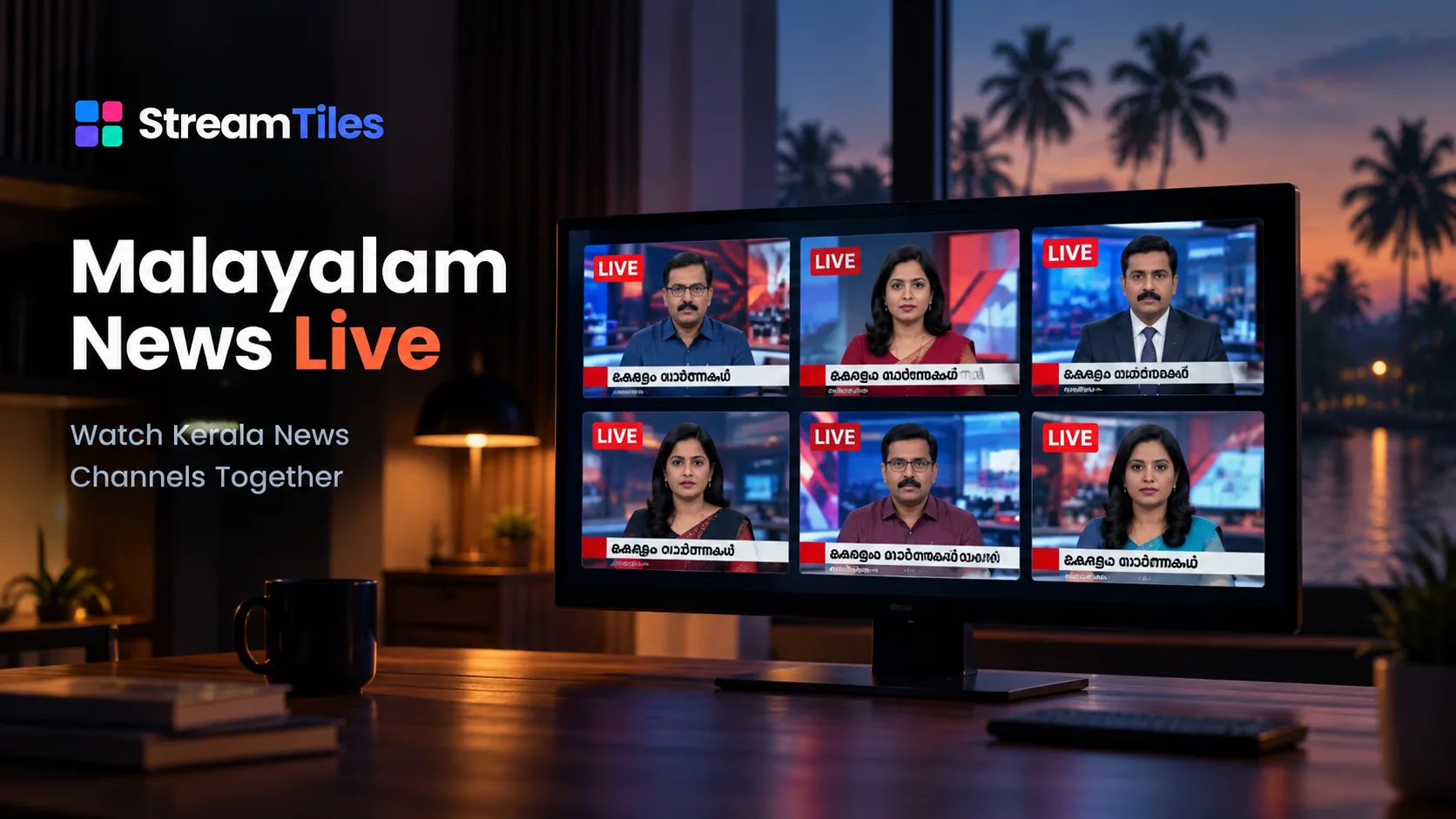
NewsFeatured
Malayalam News Live
Watch Kerala News Channels Together
6 streams · YouTube
View Malayalam News Live template
Watch six Indian news channels from YouTube side by side in one StreamTiles view, in English and Hindi, without switching between browser tabs.
Follow Indian news coverage from six YouTube channels in one StreamTiles viewing space. This multi-stream template brings together India Today, NDTV, News18 India, Aaj Tak, NDTV India and Republic World, making it easier to follow different broadcasts without repeatedly switching between browser tabs.
Use the grid to view multiple broadcasts, manage individual stream audio using the controls supported by StreamTiles, and choose a viewing arrangement that works for your screen. Available playback depends on each YouTube stream's availability, embedding permissions and regional restrictions.
StreamTiles chose and grouped the channels; the broadcasts themselves are made and published by the channels on YouTube. StreamTiles supplies the layout, the per-stream audio controls and this grouping, and does not synchronize the broadcasts with one another.
Indian news is covered around the clock by many channels, and each one decides for itself what to lead with. With several channels on screen, you can see how different broadcasters cover the same developing story, in English and in Hindi, without switching tabs or losing your place in the others.
Breaking news, political coverage, press conferences and business updates are the moments when it helps to have more than one channel visible. Keep one channel audible and the rest muted, then move the audio when something catches your eye.
The six channels open in the order listed above, in the Grid layout, so every channel gets an equal tile. In Focus and Cinema the first channel in the list (India Today here) becomes the large tile and the other five sit beside or below it; to enlarge a different channel, switch to Grid, drag it to the first position, then switch back.
The streams in this template are published by the channels themselves on YouTube. StreamTiles is an independent viewing interface: it is not affiliated with, sponsored by or endorsed by any of the channels listed, YouTube or Google, and it does not host or own the streams. Channel names are used only to identify which stream is which. A stream can end, become private or be removed, be restricted in your region, or have embedding disabled by its owner, at any time — see Third-Party Content.
The six configured YouTube streams open in the Grid layout. They start muted, so you choose what to hear.
Mute, volume, play/pause and fullscreen work per stream, alongside play-all, pause-all and mute-all.
Change the layout, reorder tiles, remove a stream or add your own link (up to six in total). These changes are not saved, so reopening the template restores the original set.
A template never replaces or overwrites the streams in your regular StreamTiles workspace.
Not necessarily. Playback depends on each YouTube stream's availability, whether its owner allows embedding, and any regional restrictions. If one tile cannot play, it shows a message with options to open the stream on YouTube or remove it, and the other tiles keep working.
No. Each tile plays its own YouTube stream independently, so the broadcasts are not aligned with one another and may be at slightly different points in time.
Yes, for the current visit. Remove a tile, then use Add stream to paste another YouTube link. Changes made inside a template are not saved and do not touch your own StreamTiles grid, so reopening the template restores the original six.
No. The channels are named only to show which stream is which. StreamTiles is independent of the channels and of YouTube, and listing a channel does not imply that it endorses StreamTiles or the other way round.
Watch Kerala News Channels Together
6 streams · YouTube
View Malayalam News Live templateYou can add any YouTube or Twitch stream links yourself on the Watch page and arrange them in the layout you like. See how StreamTiles works, the full feature list, or the frequently asked questions.